INOGENI REMOTE CAM - Control keypad
REMOTE CAM - Control Keypad
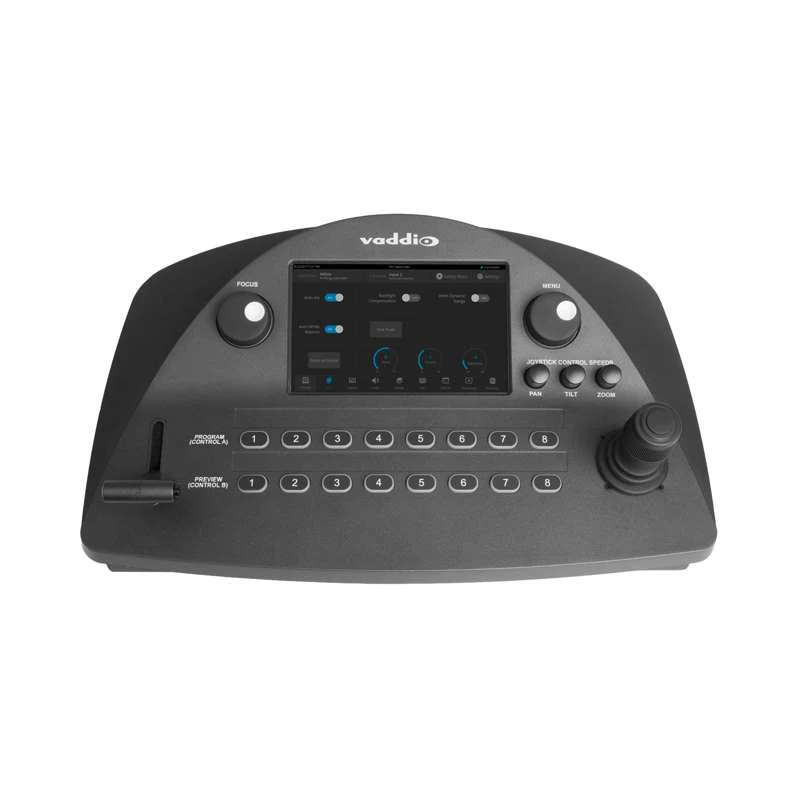
Keep the flow of your engaging presentation and change camera or mix with a simple click button. INOGENI’s REMOTE control keypad enables longer distance to select the camera mixer configuration for the CAM300 and CAM230, simplifying the control of camera selectors.
- RS-232 control
- CAM300 and CAM230: Over Terminal Block to RJ-45
- Cost-effective solution that is reliable and simple to install and use
- Compact and robust technology
- Designed and manufactured in Canada
- TAA-compliant
How it works
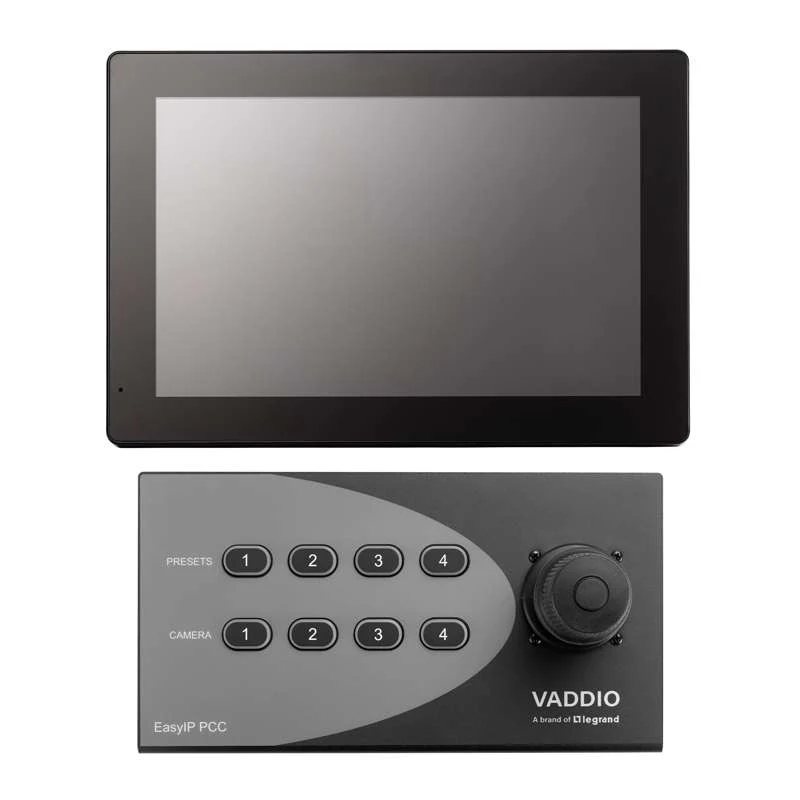
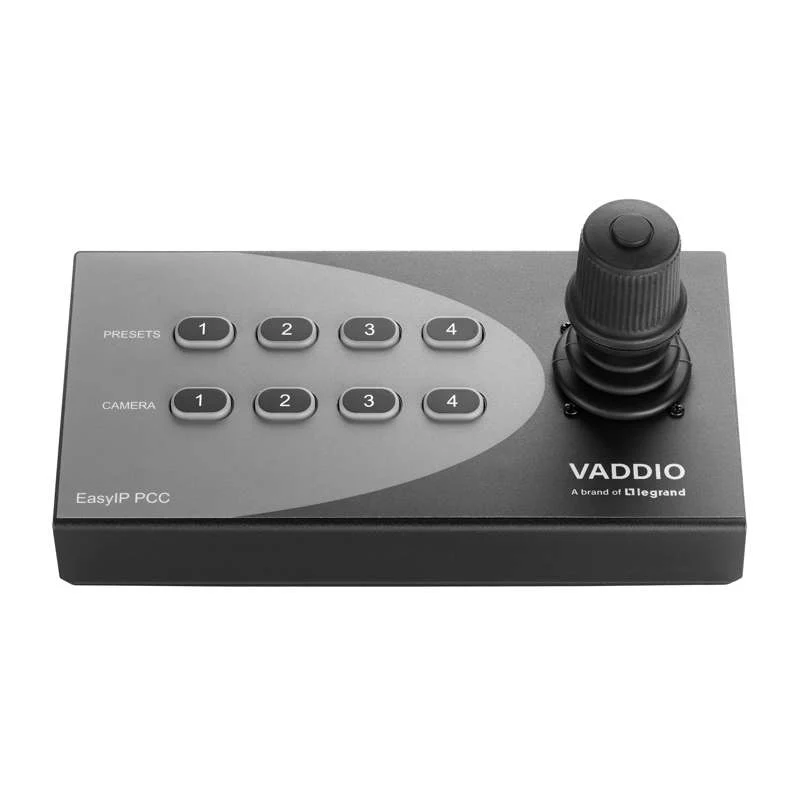
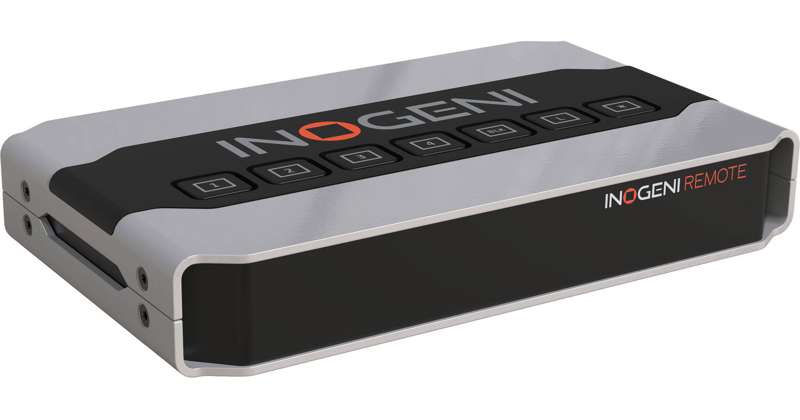
The INOGENI REMOTE is a device that can control the switching function of CAM devices. You just need to correctly connect the REMOTE CAM with the INOGENI CAM300 or CAM230 device. You will then be able to communicate with the device using the push buttons on the top of the device.
Product Information
Product Information
Shipping & Returns
Shipping & Returns
Description
REMOTE CAM - Control Keypad
Keep the flow of your engaging presentation and change camera or mix with a simple click button. INOGENI’s REMOTE control keypad enables longer distance to select the camera mixer configuration for the CAM300 and CAM230, simplifying the control of camera selectors.
- RS-232 control
- CAM300 and CAM230: Over Terminal Block to RJ-45
- Cost-effective solution that is reliable and simple to install and use
- Compact and robust technology
- Designed and manufactured in Canada
- TAA-compliant
How it works
The INOGENI REMOTE is a device that can control the switching function of CAM devices. You just need to correctly connect the REMOTE CAM with the INOGENI CAM300 or CAM230 device. You will then be able to communicate with the device using the push buttons on the top of the device.